
Introduction
Artificial intelligence is no longer just about chatting — in 2026, AI agents are doing the work for you. And leading this autonomous AI revolution is OpenClaw, the open-source AI agent that runs locally on your own machine and handles real-world tasks without constant human supervision.
Table of Contents
But one question everyone asks before getting started is: “What can OpenClaw actually do for me?”
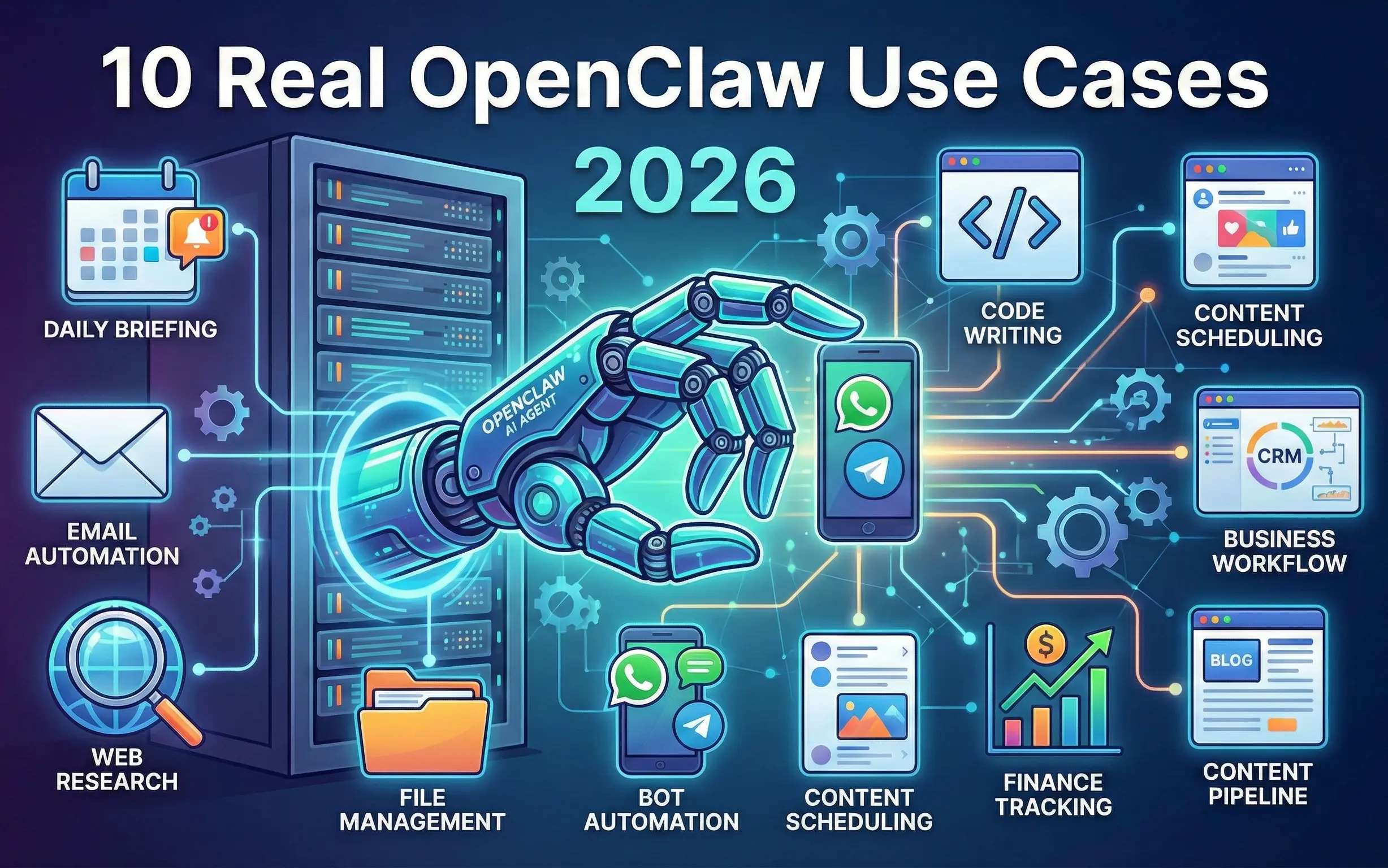
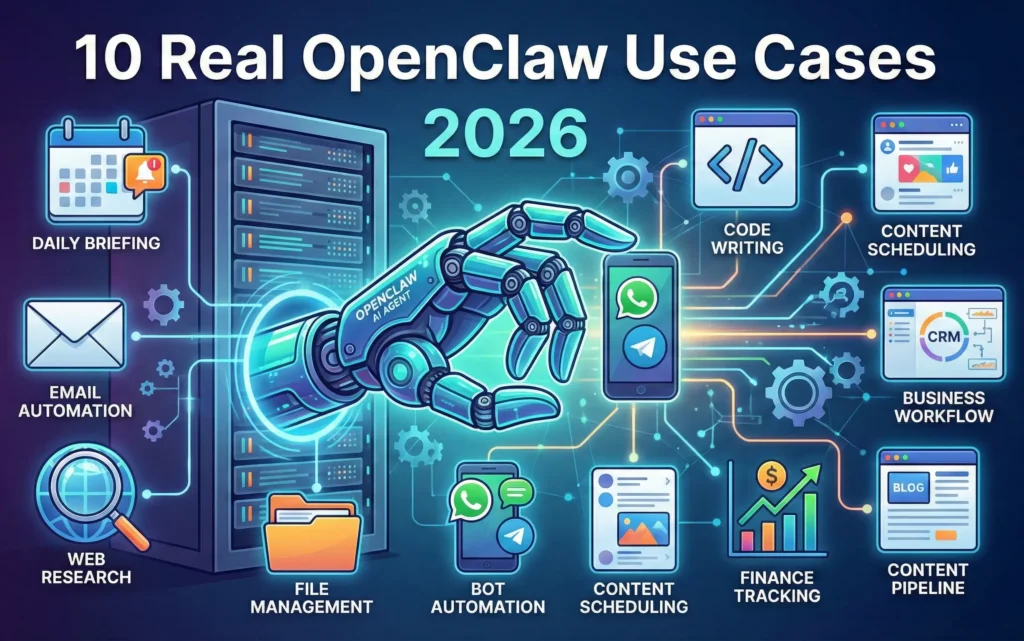
In this complete guide, we will explore the top 10 OpenClaw use cases in 2026 — with real examples, practical tips, and explanations of how each use case works. Whether you are a developer, freelancer, business owner, or everyday user, there is an OpenClaw workflow that will change how you work.
What Is OpenClaw? (Quick Overview)
Before diving into use cases, here is a quick refresher. OpenClaw is a locally-running, open-source autonomous AI agent. Unlike cloud-based AI tools, OpenClaw runs entirely on your own server or VPS — meaning your data stays private, your costs stay low, and your agent stays online 24/7.
You control it through natural language — simply send a message via WhatsApp, Telegram, Discord, Slack, or any of its 50+ supported messaging platforms, and OpenClaw gets to work. It remembers your preferences, learns your routines, and builds new tools on the fly when it does not have one already.
Now let us get into the real-world OpenClaw use cases 2026 that are making this tool the most talked-about AI agent of the year.
Use Case 1: Daily Briefing & Morning Routine Automation
What it does: OpenClaw delivers a personalized morning briefing every day — automatically.
Every morning, without you lifting a finger, OpenClaw can:
- Pull today’s weather forecast for your location
- Summarize top news headlines from your preferred sources
- List your calendar appointments for the day
- Show your pending tasks and deadlines
- Send crypto or stock price updates if relevant
How it works: You set a scheduled trigger (e.g., 7:00 AM daily), and OpenClaw executes the briefing workflow and delivers it directly to your WhatsApp or Telegram.
Who benefits: Entrepreneurs, professionals, and busy developers who want to start their day informed without spending 30 minutes checking five different apps.
Use Case 2: Email Management & Smart Responses
What it does: OpenClaw reads, categorizes, summarizes, and drafts responses to your emails — all autonomously.
With this use case, OpenClaw can:
- Scan your inbox and flag high-priority emails
- Summarize long email threads into 3–4 bullet points
- Draft reply suggestions based on your communication style
- Auto-respond to common enquiries using predefined templates
- Notify you via Telegram when an urgent email arrives
How it works: OpenClaw connects to your email via IMAP/SMTP, uses its built-in LLM to analyze content, and either sends you a summary or a draft response for approval.
Who benefits: Freelancers managing client emails, business owners with high inbox volumes, and customer support teams looking to reduce response time.
Use Case 3: Browser Automation & Web Research
What it does: OpenClaw can browse the internet, scrape data, fill forms, and compile research reports — just like a human assistant would.
Practical examples include:
- Research competitors’ pricing and compile a comparison table
- Monitor a product page and alert you when the price drops
- Scrape job listings from multiple portals into a single spreadsheet
- Fill and submit web forms automatically
- Extract contact details from directories for lead generation
How it works: OpenClaw uses its built-in browser automation module to interact with websites using real browser sessions, bypassing simple bot detection methods.
Who benefits: Marketers, sales teams, recruiters, and developers who spend hours on repetitive web-based research tasks
Use Case 4: File Management & Document Processing
What it does: OpenClaw organizes, renames, converts, summarizes, and processes files on your system automatically.
With this use case, you can:
- Auto-sort downloaded files into labelled folders by type or date
- Summarize PDF documents into key bullet points
- Convert files between formats (PDF to Word, images to text via OCR)
- Rename bulk files using a consistent naming convention
- Back up important folders to a specified location on a schedule
How it works: OpenClaw has direct file system access on your local machine or server. It uses natural language instructions to execute file operations through its built-in tool library.
Who benefits: Content creators, developers, and office workers who deal with large volumes of documents, downloads, and media files daily.
Use Case 5: WhatsApp & Telegram Bot Automation
What it does: One of the most popular OpenClaw use cases 2026 — turning your WhatsApp or Telegram into a fully functional AI command center.
You can build workflows such as:
- Send “summarize my emails” on WhatsApp and get an instant summary
- Ask “what’s on my calendar tomorrow?” and get a formatted response
- Command “find me the cheapest flight from Mumbai to Delhi next Friday”
- Set reminders: “Remind me at 5 PM to call the client”
- Query your business database: “How many orders came in today?”
How it works: OpenClaw connects natively to WhatsApp Business API, Telegram Bot API, and 50+ other platforms. Every incoming message is processed by the AI engine which selects the right tool and executes the task.
Who benefits: Business owners, freelancers, and tech-savvy individuals who want an always-available AI assistant inside the apps they already use every day.
Use Case 6: Code Writing & Developer Productivity
What it does: OpenClaw acts as an autonomous coding assistant that can write, debug, test, and deploy code — not just suggest it.
Developer-focused use cases include:
- Write boilerplate code for Django models, PHP functions, or Flutter widgets
- Debug error logs and suggest fixes automatically
- Generate unit tests for existing functions
- Create database migration scripts from schema descriptions
- Set up new project structures with a single command
How it works: OpenClaw integrates with your local development environment, reads your codebase, and uses its LLM engine to write contextually accurate code. It can also execute code in a sandboxed environment to test output before delivery.
Who benefits: Full-stack developers, freelancers, and software agencies looking to speed up development cycles and reduce repetitive coding work.
Use Case 7: Social Media Scheduling & Content Automation
What it does: OpenClaw can research trending topics, write social media posts, and schedule them across platforms — all on autopilot.
With this workflow, OpenClaw can:
- Research trending hashtags and topics in your niche
- Write platform-specific posts (Twitter/X, LinkedIn, Instagram captions)
- Schedule posts at optimal engagement times
- Repurpose blog articles into social media content
- Monitor mentions and notify you of important interactions
How it works: OpenClaw connects to social media APIs and scheduling tools, uses its research capabilities to find relevant content, and generates posts tailored to each platform’s tone and format.
Who benefits: Content creators, digital marketers, bloggers, and small business owners managing their own social media presence.
Use Case 8: Business Workflow & CRM Automation
What it does: OpenClaw integrates with your business tools to automate lead management, follow-ups, invoicing, and reporting.
Business automation examples include:
- Automatically add new leads from web forms to your CRM
- Send follow-up emails or WhatsApp messages after a set number of days
- Generate weekly sales reports from your database
- Create and send invoices when a project milestone is completed
- Notify the team on Slack when a high-value lead converts
How it works: OpenClaw connects to your CRM, database, and communication tools via APIs and webhooks. It monitors triggers and executes defined workflows without human input.
Who benefits: Small to medium businesses, sales teams, and entrepreneurs running lead generation or client management operations.
Use Case 9: Personal Finance Tracking & Alerts
What it does: OpenClaw monitors your finances, tracks expenses, and sends smart alerts to keep you in control of your money.
Finance automation use cases include:
- Daily or weekly spending summary delivered to Telegram
- Alert when a bank account balance drops below a threshold
- Track cryptocurrency portfolio value and notify on major swings
- Summarize monthly expenses by category
- Remind you of upcoming bill due dates
How it works: OpenClaw connects to your bank feeds, crypto APIs, or spreadsheets and runs scheduled analysis tasks. Results are delivered in clean, readable summaries via your preferred messaging app.
Who benefits: Freelancers, investors, and anyone who wants passive oversight of their finances without logging into multiple banking or finance apps.
Use Case 10: Automated Blog & Content Pipeline
What it does: OpenClaw can research keywords, write blog drafts, optimize for SEO, and even publish content — creating a near-fully automated blogging pipeline.
Content pipeline automation includes:
- Research trending keywords in your niche
- Generate fully structured blog post drafts with H1/H2/H3 headings
- Add internal linking suggestions based on your existing content
- Optimize meta titles and descriptions for SEO
- Schedule and publish directly to WordPress via REST API
How it works: OpenClaw chains together a research tool, writing tool, and publishing tool in a single automated workflow. You review and approve the draft — or let it publish automatically with your predefined quality rules.
Who benefits: Bloggers, content marketers, SEO agencies, and anyone running a content-heavy website who wants to scale output without scaling team size.
How to Get Started With OpenClaw
Getting started with OpenClaw is straightforward:
- Install OpenClaw on your local machine, VPS, or cloud server
- Connect your preferred LLM — GPT-4, Claude, Gemini, or a free local model like LLaMA
- Link your messaging platform — WhatsApp, Telegram, or Discord
- Set up your first skill — start with the daily briefing workflow
- Add more automations gradually as you get comfortable with the system
- Enable cost guardrails to control your API spending from day one
OpenClaw Use Cases 2026: Quick Reference Table
| Use Case | Best For | Difficulty |
|---|---|---|
| Daily Briefing | Everyone | ⭐ Easy |
| Email Management | Freelancers, Business Owners | ⭐⭐ Medium |
| Browser Automation | Marketers, Researchers | ⭐⭐ Medium |
| File Management | Developers, Content Creators | ⭐ Easy |
| WhatsApp/Telegram Bot | Everyone | ⭐ Easy |
| Code Writing | Developers | ⭐⭐⭐ Advanced |
| Social Media Automation | Bloggers, Marketers | ⭐⭐ Medium |
| Business CRM Automation | Business Owners | ⭐⭐⭐ Advanced |
| Finance Tracking | Freelancers, Investors | ⭐⭐ Medium |
| Blog Content Pipeline | Bloggers, SEO Teams | ⭐⭐⭐ Advanced |
Conclusion
The OpenClaw use cases 2026 listed above are just the beginning. What makes OpenClaw truly powerful is its ability to combine multiple use cases into a single intelligent workflow — one that learns your habits, adapts to your needs, and works 24/7 without supervision.
Whether you want to save two hours a day on repetitive tasks or build a fully automated business operation, OpenClaw gives you the tools to make it happen — privately, locally, and at minimal cost.
Start with one use case, master it, then expand. That is the OpenClaw way.
Tags: OpenClaw use cases 2026, OpenClaw automation, open source AI agent, AI agent for productivity, OpenClaw WhatsApp, OpenClaw business workflow